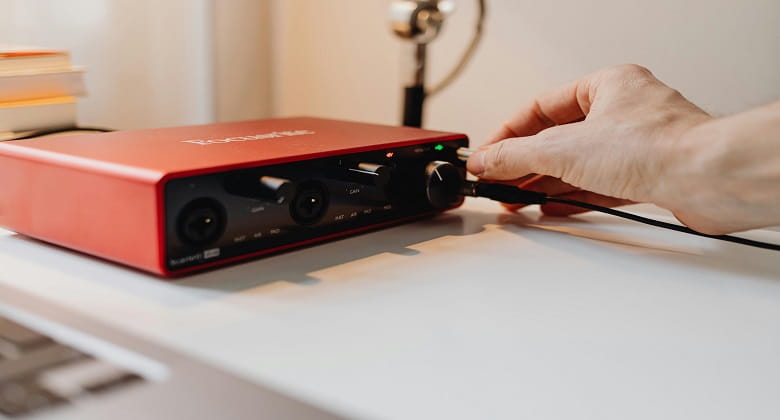
An audio interface is one of the most important pieces of equipment in any home studio. It allows you to connect microphones, instruments and speakers to your computer with better sound quality and lower latency.
For beginners, choosing the right interface can feel confusing, but understanding the basics makes it much easier.
What Does an Audio Interface Do?
An audio interface converts analogue signals, such as vocals or guitar, into digital audio that your computer can process. It also converts audio from your computer back into analogue sound for playback.
How Many Inputs Do You Need?
One of the first things to consider is how many inputs you need. A two-input interface is sufficient for most beginners, allowing you to record vocals and guitar or two microphones at once.
If you plan to record multiple instruments simultaneously, you may need more inputs.
Microphone Preamps
Preamps boost the signal from your microphone. Good-quality preamps provide clean, low-noise amplification, which is essential for clear recordings.
Audio Quality and Resolution
Most modern interfaces support high-resolution audio, typically 24-bit and up to 192kHz. While beginners do not need to worry too much about these numbers, higher resolution can provide more detail and flexibility in recordings.
Latency and Monitoring
Latency refers to the delay between input and output. Low latency is important when recording.
Many interfaces include direct monitoring, allowing you to hear your input signal in real time without delay.
Connectivity Options
USB interfaces are the most common and suitable for most users. Some higher-end options use Thunderbolt for faster performance.
Build Quality and Design
A sturdy interface with clear controls and good build quality will last longer and be easier to use.
Final Thoughts
The best audio interface is one that meets your current needs while allowing room to grow. For most beginners, a reliable two-input USB interface is an excellent starting point.